Most iPhone users feel confident about security — and for good reason.
Apple has built its reputation on privacy. Features like Face ID, app sandboxing, and built-in encryption help protect the information stored on your device. Compared to many other platforms, iPhones are designed with security in mind.
But there’s something many people don’t realize:
Device security is not the same as network privacy.
Your phone itself may be secure. The network you’re using might not be.
What Changes When You Leave Home
At home, your Wi-Fi feels private. You set up the router. You chose the password. You know which devices are connected.
Your iPhone checks email, refreshes apps, backs up photos, and syncs messages all day long — and it does so on a network you control.
Now think about what happens when you step outside.
You check messages at a coffee shop.
You upload files from the airport.
You log into work apps at a hotel.
You pay a bill while waiting for a meeting.
Your phone works exactly the same way.
The network does not.
Public Wi-Fi is built for convenience. It allows many people to connect quickly and easily. That’s helpful — but it also means the network is shared. It isn’t designed around your personal privacy or business security.
That doesn’t mean public Wi-Fi is automatically unsafe.
It simply means it isn’t yours.
What Happens After Data Leaves Your Phone
When you open a banking app or log into a business dashboard, your data is encrypted. Apple and modern websites use strong security protocols to protect sensitive information.
But once your connection leaves your device, some details can still be visible to the network you’re using. For example:
- Your IP address
- When you connect
- How much data is being sent
- Which websites or services you access
This doesn’t mean someone is spying on you.
It just means your activity is passing through infrastructure you don’t control.
And remember — your phone is almost always communicating, even when you’re not actively using it.
Email syncs automatically.
Apps refresh in the background.
Cloud storage uploads photos.
Notifications update silently.
Your iPhone is always connected.
That’s convenient — but it also means your network matters more than you think.
Mobile Work Has Changed Everything
Today, your iPhone probably handles much more than calls and texts.
It may hold:
- Business email
- Client conversations
- Banking apps
- Travel bookings
- Payment confirmations
- Two-factor authentication apps
- Access to cloud dashboards
In many cases, your phone carries access to your income.
And because work is now mobile, you might log in from almost anywhere.
Most of the time, it feels completely normal. You sit down, connect to Wi-Fi, and get things done.
But shared networks aren’t private office networks.
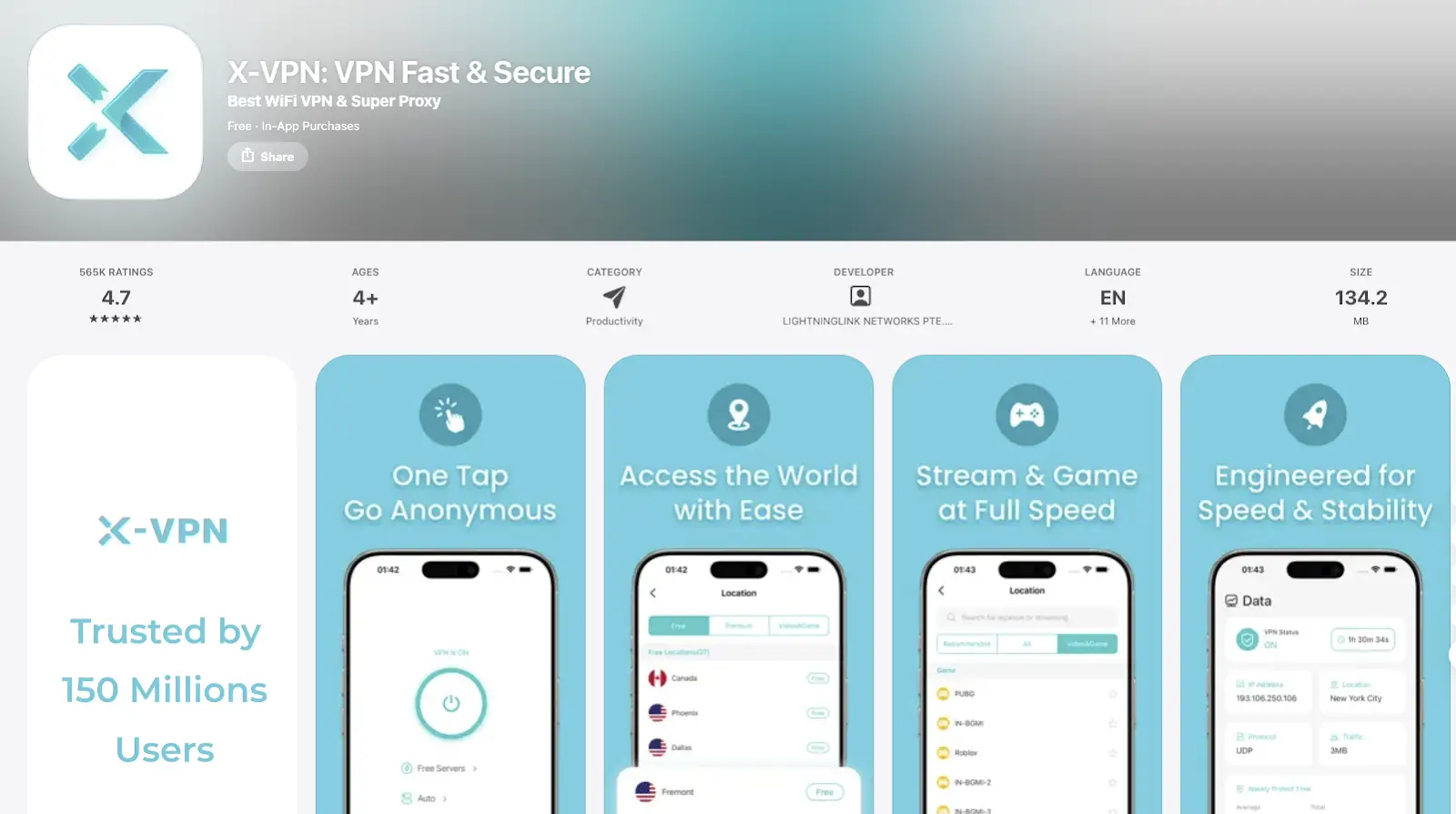
That’s why many professionals choose to use a VPN for iOS when connecting to public Wi-Fi. A VPN encrypts your internet connection before it leaves your phone, so the local network can’t easily see your activity.
It doesn’t replace website security.
It adds another layer.
Awareness, Not Fear
It’s important to stay realistic.
Millions of people use public Wi-Fi every day without problems. Airports, cafés, hotels, and coworking spaces rely on open networks to function.
This isn’t about panic.
It’s about consistency.
Most people already practice basic digital habits:
- Using strong passwords
- Turning on two-factor authentication
- Keeping software updated
- Locking their screens
Encrypting your connection when using shared Wi-Fi fits into that same mindset. It’s a simple adjustment for a different environment.
Security works best when it becomes routine.
Why Simplicity Matters
If a security tool is complicated, people won’t use it.
Modern iOS VPN apps are designed to be simple. Apps like X-VPN, available on the App Store, offer both free and premium options with quick setup. You can connect in seconds without advanced technical knowledge.
The goal isn’t to turn everyday users into cybersecurity experts.
It’s to make protection practical.
When something runs quietly in the background, it becomes a habit.
Always Connected Means Always Visible
The biggest shift over the last decade isn’t that phones became less secure.
It’s that they became constantly connected.
Your iPhone doesn’t wait for you to open Safari before sending data. It syncs, refreshes, uploads, and checks for updates throughout the day.
That’s what makes modern smartphones powerful.
But it also means your activity is traveling through networks more often than you realize.
When you combine always-on background activity with shared Wi-Fi, exposure isn’t limited to what you click. It includes everything happening behind the scenes.
Understanding that difference changes how you think about security.
Device Security Protects What’s On Your Phone. Network Protection Protects How It Travels.
Apple has done an excellent job strengthening device-level security. Those protections are important and effective.
But the internet doesn’t stop at the edge of your device.
Once your data leaves your phone, it moves through routers and systems owned by someone else.
Recognizing that difference is part of adapting to modern life.
Your iPhone travels everywhere with you. It carries your money, your conversations, your work, and your memories.
If your phone moves with you, your security should move with you too.
Because today, protecting your data isn’t just about what’s on your device.
It’s about how it travels.