By a consumer technology writer who has used all three apps across Samsung Smart TVs, LG WebOS TVs, Amazon Fire Sticks, Android TV boxes, iPhones, and Android phones — and has clear recommendations based on actual Dutch use cases.
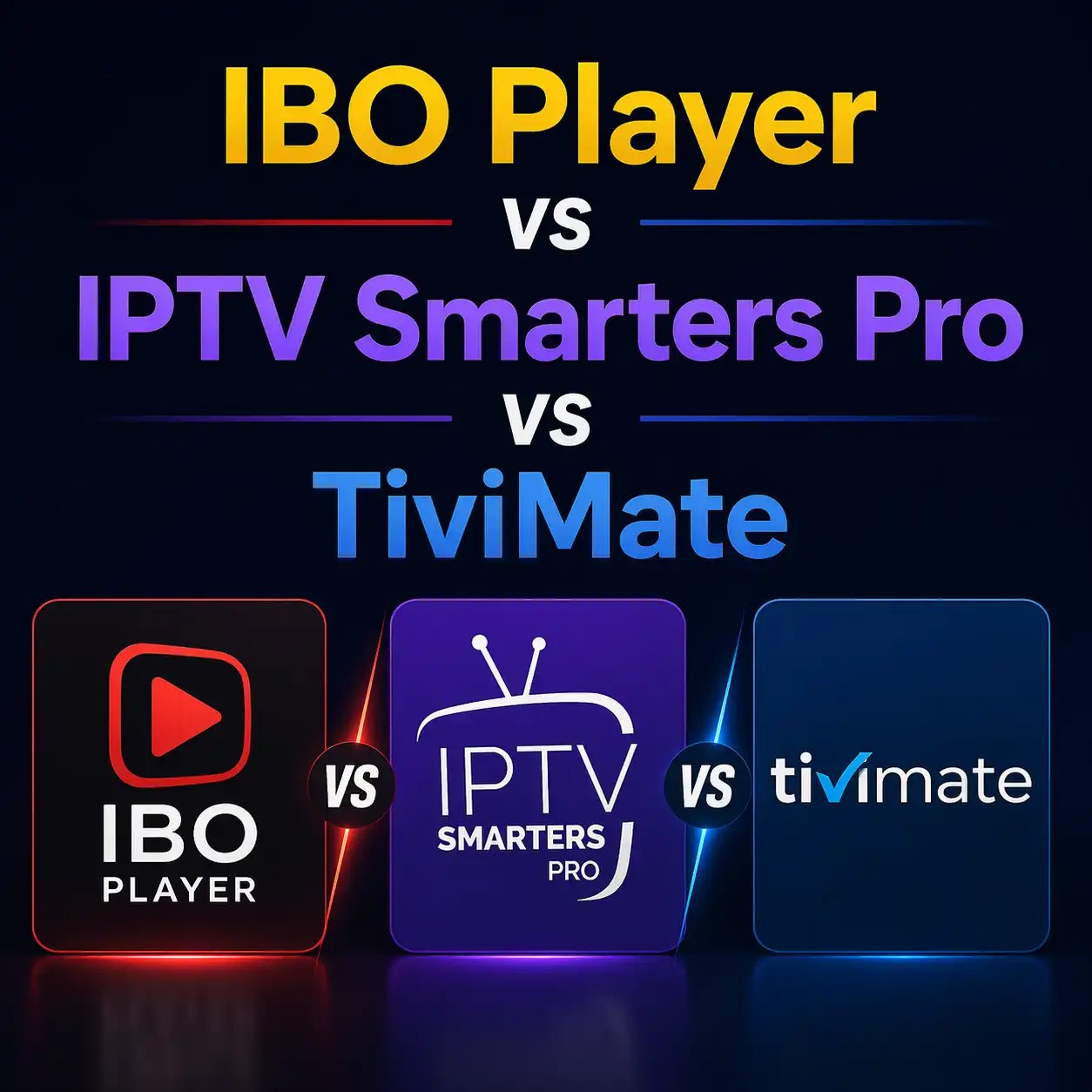
Dutch IPTV viewers encounter three app names repeatedly when researching their setup: IBO Player, IPTV Smarters Pro, and TiviMate. Forum posts, YouTube guides, and provider recommendations send people toward different apps for different reasons, and the choice is not always explained in terms of what actually matters for the Dutch household television experience.
This is the comparison they should have found first.
The Quick Summary
Before the detailed comparison: the most common Dutch IPTV setup question is ‘which app should I use?’ The answer depends almost entirely on one thing — what device you have.
Samsung Smart TV: use IBO Player or Smart IPTV. LG Smart TV: use IPTV Smarters Pro or IBO Player. Amazon Fire Stick: use IPTV Smarters Pro (native) or TiviMate (sideloaded). Android TV box: use TiviMate or IPTV Smarters Pro. iPhone or iPad: use IPTV Smarters Pro or GSE Smart IPTV. Android phone: use IBO Player or IPTV Smarters Pro.
A legitimate IP TV subscription works with all three apps on all supported devices. The subscription credentials (M3U URL or Xtream Codes server/username/password) are entered identically regardless of which app you choose. The difference between apps is interface quality, feature set, and device compatibility — not what channels you receive.
IBO Player: The Samsung and LG Native App
Platform availability
Samsung Tizen OS (Smart Hub, no sideloading required) — this is IBO Player’s most significant advantage. LG WebOS (LG Content Store, no sideloading). Android (Google Play Store). iOS (Apple App Store). Not available for Amazon Appstore natively, though an APK version can be sideloaded on Fire Stick.
EPG quality
Good. IBO Player’s EPG displays the standard 7-day forward schedule and catches up to several hours in the past when catch-up is provider-enabled. The Dutch television guide layout is clean and usable with a Samsung or LG remote. Navigating from the current programme to the next hour’s schedule takes two button presses. Channel info displays current and upcoming programme information clearly.
Dutch-specific features
IBO Player supports catch-up TV when the provider implements it, which means the clock icon appears next to compatible channels and past programmes are accessible through the EPG. This is important for Dutch viewers who want to rewatch NOS Journaal broadcasts or earlier NPO programming. Favourites groups work well — creating a custom ‘Nederlandse Zenders’ group with NPO, RTL, SBS, ESPN, and regional channels is the correct daily-use configuration.
Limitations
No multi-view on any platform. The inability to display two simultaneous channels — relevant for Dutch Eredivisie viewers watching multiple Saturday afternoon fixtures — is IBO Player’s main feature gap versus TiviMate. The mobile interface is functional but not as polished as IPTV Smarters Pro on iOS. On Fire Stick, IBO Player requires sideloading rather than native Appstore installation.
Best for: Samsung Smart TV owners, LG Smart TV owners, multi-device households where simplicity across different devices matters more than advanced features.
IPTV Smarters Pro: The Universal App
Platform availability
Samsung Tizen (Smart Hub, availability varies by region and TV model). LG WebOS (LG Content Store). Amazon Fire Stick (Amazon Appstore, native installation — no sideloading). Android (Google Play Store). iOS (Apple App Store). Android TV boxes (Google Play Store). This is the broadest platform coverage of any major IPTV app.
EPG quality
Excellent on most platforms. IPTV Smarters Pro’s programme guide is the most visually polished of the three apps, with clear current/upcoming programme display, good typography, and intuitive navigation. The guide works particularly well on larger screens (55+ inch Samsung and LG TVs) where the horizontal programme timeline is easy to read. On mobile (iOS and Android), IPTV Smarters Pro’s EPG adapts well to portrait phone screens.
Dutch-specific features
Catch-up support when provider implements it. Favourites and channel groups. The Fire Stick version installs from the Amazon Appstore without any developer settings or sideloading — this is IPTV Smarters Pro’s specific advantage for Dutch viewers who purchased a Fire Stick as their IPTV device. The no-sideloading Fire Stick installation makes IPTV Smarters Pro the easiest setup for the significant share of Dutch IPTV users who arrive via Fire Stick.
Limitations
No multi-view. Occasional stability issues reported on older Android TV hardware. On some Samsung Smart Hub regional configurations, IPTV Smarters Pro is absent from the app store search — in which case IBO Player is the correct fallback.
Best for: Fire Stick owners (easiest native installation), iOS users (best mobile interface), households with mixed devices wanting a consistent experience across all of them, Samsung TV owners if IPTV Smarters Pro is available in their Smart Hub region.
TiviMate: The Android Expert App
Platform availability
Amazon Fire Stick (sideloading required via Downloader app — approximately 10 minutes to install). Android TV boxes (Google Play Store, native installation). Android phones (Google Play Store). NOT available on Samsung Tizen, LG WebOS, iOS, or any non-Android platform. This platform restriction is TiviMate’s most significant limitation for Dutch households with Samsung or LG Smart TVs as primary screens.
EPG quality
Outstanding — the best EPG implementation available in any IPTV app. TiviMate displays multiple channels simultaneously in a horizontal grid with current and upcoming programme tiles, handles 7-day forward schedules with reliable accuracy for Dutch channels, and supports manual EPG channel remapping when the automatic mapping fails (which occasionally happens with regional Dutch channels and sport channels). The EPG is the primary reason experienced Dutch IPTV users choose TiviMate over alternatives on compatible devices.
Dutch-specific features
Multi-view in TiviMate Premium (approximately 9 euros per year) — the ability to display up to four channels simultaneously on one screen. For Dutch Eredivisie viewers watching simultaneous Saturday afternoon fixtures across ESPN 1, ESPN 2, ESPN 3, and ESPN 4, this is the feature that most meaningfully improves the sport television experience versus cable. Ajax on ESPN 1 and PSV on ESPN 2 side by side, with audio switching between tiles by pressing left or right.
Catch-up is more comprehensively implemented in TiviMate than in either IBO Player or IPTV Smarters Pro. TiviMate Premium’s catch-up navigation — scrolling backward through the EPG timeline, selecting past programmes, and accessing provider-stored recordings — is more intuitive than the equivalent in the other apps. Recording to USB storage (Fire Stick USB or network storage via SMB) is also available in TiviMate Premium, which has no equivalent in IBO Player or IPTV Smarters Pro.
Limitations
Sideloading required on Fire Stick. Not available on Samsung Tizen or LG WebOS. TiviMate Premium costs 9 euros per year for the features that matter most (multi-view, catch-up, recording). Not available on iOS at all. The sideloading process, while not technically difficult, is a barrier for less technically confident Dutch viewers — and ‘how to install TiviMate on Fire Stick’ is the most common IPTV setup question in Dutch forums for exactly this reason.
Best for: Eredivisie multi-view users (the primary reason to choose TiviMate over alternatives), Fire Stick or Android TV box users who want the best EPG and catch-up experience, technically confident Dutch viewers who have completed a TiviMate sideload before or are comfortable with the 10-minute process.
The Device-App Matrix for Dutch Viewers
The decision in table form:
- Samsung Smart TV: IBO Player (primary recommendation, native install). Smart IPTV (one-time 5.49 euro activation). IPTV Smarters Pro (if available in your Samsung Smart Hub region). TiviMate: not possible.
- LG Smart TV: IPTV Smarters Pro (primary recommendation, native install via LG Content Store). IBO Player (also available from LG Content Store). TiviMate: not possible.
- Amazon Fire Stick: IPTV Smarters Pro (primary for no-sideload setup). TiviMate via sideloading (primary for multi-view and best EPG). Choose based on whether you want to sideload.
- Android TV box: TiviMate (primary — installs directly from Google Play). IPTV Smarters Pro (also available from Google Play).
- iPhone/iPad: IPTV Smarters Pro (primary — best iOS interface). GSE Smart IPTV (alternative).
- Android phone: IPTV Smarters Pro or IBO Player.
For a Dutch household with a Samsung Smart TV in the living room and an Amazon Fire Stick in a second room: use IBO Player on the Samsung (native install, no sideloading) and TiviMate on the Fire Stick (sideloaded, for Eredivisie multi-view). The same IPTV subscription credentials work on both. This is the setup that provides native Samsung convenience for daily television and TiviMate’s sport features for Eredivisie viewing.
What None of the Apps Fix
App choice cannot compensate for CDN quality. If a Dutch IPTV provider has marginal CDN capacity for the NOS Journaal at 20:00 or for Eredivisie matches on Saturday afternoons, no app choice makes the streams smoother. Provider quality determines what the app has to work with.
Before choosing an app, choose a provider. When you IPTV Kopen Nederland from a provider that passes the 20:00 NPO peak test and delivers consistent bitrate during live Eredivisie play, any of the three apps will deliver a reliable Dutch television experience on a compatible device. The app choice is secondary to the provider quality — and the provider is chosen through a 24-hour trial that no app guide can substitute for.
Frequently Asked Questions
Which app is best for Dutch IPTV on a Samsung Smart TV?
IBO Player is the primary recommendation for Samsung Smart TV because it installs directly from the Samsung Smart Hub without any workaround and is actively maintained. Smart IPTV is a reliable alternative (one-time 5.49 euro activation). IPTV Smarters Pro is available on some Samsung Smart Hub configurations. TiviMate is not available on Samsung Tizen OS.
Do I have to sideload TiviMate on a Fire Stick?
Yes. TiviMate is not in the Amazon Appstore and requires sideloading via the Downloader app. The process takes approximately 10 minutes: enable Install Unknown Apps for Downloader in Fire Stick Developer Options, install Downloader from the Amazon Appstore, use Downloader to navigate to the TiviMate APK download page, download and install the APK. If this process is not something you want to do, use IPTV Smarters Pro instead — it installs directly from the Amazon Appstore without any sideloading.
Is TiviMate Premium worth 9 euros per year for Dutch viewers?
For Dutch Eredivisie viewers who watch multiple simultaneous Saturday afternoon fixtures, yes — multi-view is the defining feature. For viewers who primarily watch single-stream live television (news, drama, one sport match at a time), TiviMate Free or the alternative apps are sufficient without the Premium cost.
Can I use two different apps on two different devices with the same IPTV subscription?
Yes. Your Xtream Codes credentials (username and password) can be entered into any IPTV app on any device within your subscription’s simultaneous stream limit. Using IBO Player on a Samsung in the living room and TiviMate on a Fire Stick in the bedroom simultaneously counts as two concurrent streams from the same subscription.
App availability in device-specific app stores may change. Verify current availability before purchasing hardware specifically based on app compatibility.