Let’s be honest, most people don’t take passwords seriously until something goes wrong. Maybe an account gets hacked, or you suddenly can’t log in because your password was too easy to guess. By that point, the damage is already done.
The situation is even more intense. Cyber threats are smarter, faster, and often automated. Hackers aren’t just guessing passwords anymore; they’re using advanced tools, including AI, to break into accounts in seconds.
That’s exactly why strong password generators have become essential. They take the guesswork out of security and give you something most people don’t have: truly unpredictable passwords.
What Is a Strong Password Generator?
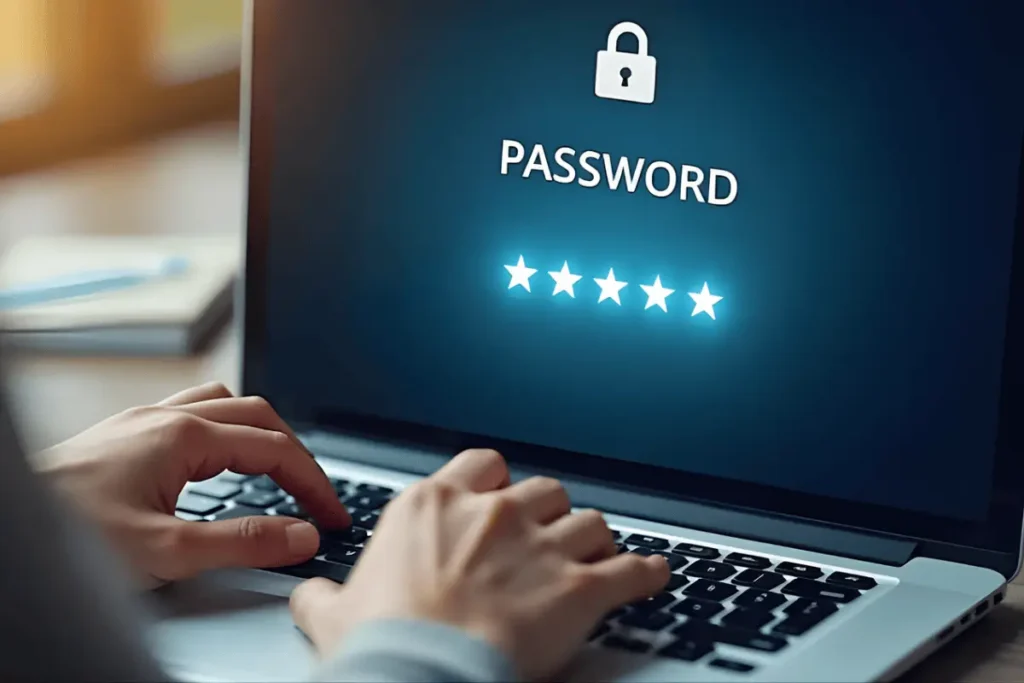
A strong password generator is a tool that creates random, complex passwords that are difficult for humans and machines to guess. Instead of relying on simple combinations like your name or birthdate, it produces strings of characters that follow security best practices.
These passwords usually include:
- Uppercase and lowercase letters
- Numbers
- Special characters
The result is something that looks random, and that’s exactly the point. The more random a password is, the harder it is to crack.
Why Password Security Matters More
Password security has always been important, but the stakes are much higher now. With more of our lives online banking, work, and communication, losing access to an account can have serious consequences.
One of the biggest changes in recent years is how cyberattacks are carried out. Instead of targeting individuals manually, attackers now use automated systems that can test thousands of password combinations per second.
Another major issue is credential reuse. If one website gets breached and you’ve used the same password elsewhere, attackers can gain access to multiple accounts instantly, which is why tools like Smooli AI can help manage and strengthen your password security.
That’s why relying on simple or reused passwords is no longer an option.
Why You Should Use a Strong Password Generator
It Eliminates Guesswork
Creating a secure password manually is harder than it sounds. Most people fall into predictable patterns, even when they try to be creative. A password generator removes that problem entirely by producing something truly random.
It Protects Against Modern Attacks
Today’s cyber threats include brute-force attacks, credential stuffing, and AI-driven hacking attempts. Strong, generated passwords significantly reduce the chances of these attacks succeeding.
It Saves Time
Instead of thinking up a new password every time you sign up for a service, you can generate one instantly. It’s faster and far more secure.
It Helps You Stay Organized
When combined with a password manager, generated passwords make it easier to maintain unique credentials for every account without needing to remember them all.
What Makes a Password “Strong”?
A strong password isn’t just long, it’s unpredictable. Length helps, but complexity and randomness are what really make the difference.
A secure password typically has:
- At least 12–16 characters
- A mix of letters, numbers, and symbols
- No obvious patterns or personal information
For example, a password like “Password123” might look decent at first glance, but it’s extremely easy to crack. On the other hand, something like “G7!kP#zL9@qX2” is far more secure because it doesn’t follow any recognizable pattern.
Features to Look for in a Password Generator
Not all password generators are created equal. Some are basic, while others offer advanced customization.
When choosing one, look for features like:
- Adjustable password length
- Option to include or exclude symbols
- One-click password generation
- No data storage or tracking
- Compatibility with password managers
A good tool should feel simple to use but still give you control over how your passwords are generated.
How Password Generators Improve Online Safety
Using a password generator changes the way you approach security. Instead of relying on memory, you rely on systems designed to keep your information safe.
One of the biggest benefits is that it encourages unique passwords for every account. This alone can prevent a single breach from affecting multiple services.
It also works well alongside other security measures. For example, pairing strong passwords with two-factor authentication (2FA) creates an additional layer of protection.
Over time, this approach builds a much stronger overall security setup.
How to Use a Strong Password Generator
Using a password generator is straightforward, even if you’ve never done it before.
Here’s how it typically works:
- Choose a reliable password generator tool
- Set your preferred password length
- Select the types of characters you want to include
- Generate the password
- Save it securely using a password manager
The process takes less than a minute, but the impact on your security is significant.
Best Practices for Password Management
Even with strong passwords, good habits still matter. Security isn’t just about the tools you use; it’s also about how you use them.
Here are a few practices worth following:
- Avoid reusing passwords across different accounts
- Enable two-factor authentication wherever possible
- Update important passwords regularly
- Store passwords in a secure manager instead of writing them down
These small steps make a big difference over time.
Common Mistakes to Avoid
A lot of security issues come down to simple mistakes. The problem is that these mistakes are easy to overlook until something goes wrong.
One common issue is using slightly modified versions of the same password. For example, adding “123” or changing one letter doesn’t make a password secure.
Another mistake is storing passwords in insecure places, like notes apps or spreadsheets, without protection.
People also tend to underestimate the importance of updating old passwords. If a password has been in use for years, it’s probably time to replace it.
The Future of Password Security
Looking ahead, password security will continue to evolve. We’re already seeing more use of biometrics, such as fingerprint and facial recognition, as well as passkeys.
However, passwords are not going away anytime soon. They remain a fundamental part of online security, especially for systems that require compatibility across platforms.
As technology advances, so do the threats. That means the need for strong, randomly generated passwords will remain just as important, if not more, and tools like Smooli AI security tools can help strengthen overall protection.
Conclusion
Relying on weak or reused passwords is one of the biggest risks you can take online. Cyber threats are more advanced than ever, and the cost of a security breach can be high.
Strong password generators offer a simple and effective solution. They remove human error, create truly secure passwords, and help you stay protected across all your accounts.
If you’re not already using one, now is the time to start. It’s one of the easiest upgrades you can make to improve your online security.
Frequently Asked Questions (FAQs)
1. What is a strong password generator?
A strong password generator is a tool that creates random, complex passwords designed to be difficult to guess or crack.
2. Are password generators safe to use?
Yes, as long as you use trusted tools that do not store or share your generated passwords.
3. How long should a strong password be?
A strong password should be at least 12–16 characters long for better security.
4. Can I remember generated passwords?
Most generated passwords are hard to remember, which is why using a password manager is recommended.
5. Is it okay to reuse passwords?
No, reusing passwords increases the risk of multiple accounts being compromised if one gets hacked.
6. Do I still need 2FA if I use strong passwords?
Yes, two-factor authentication adds an extra layer of security and is highly recommended