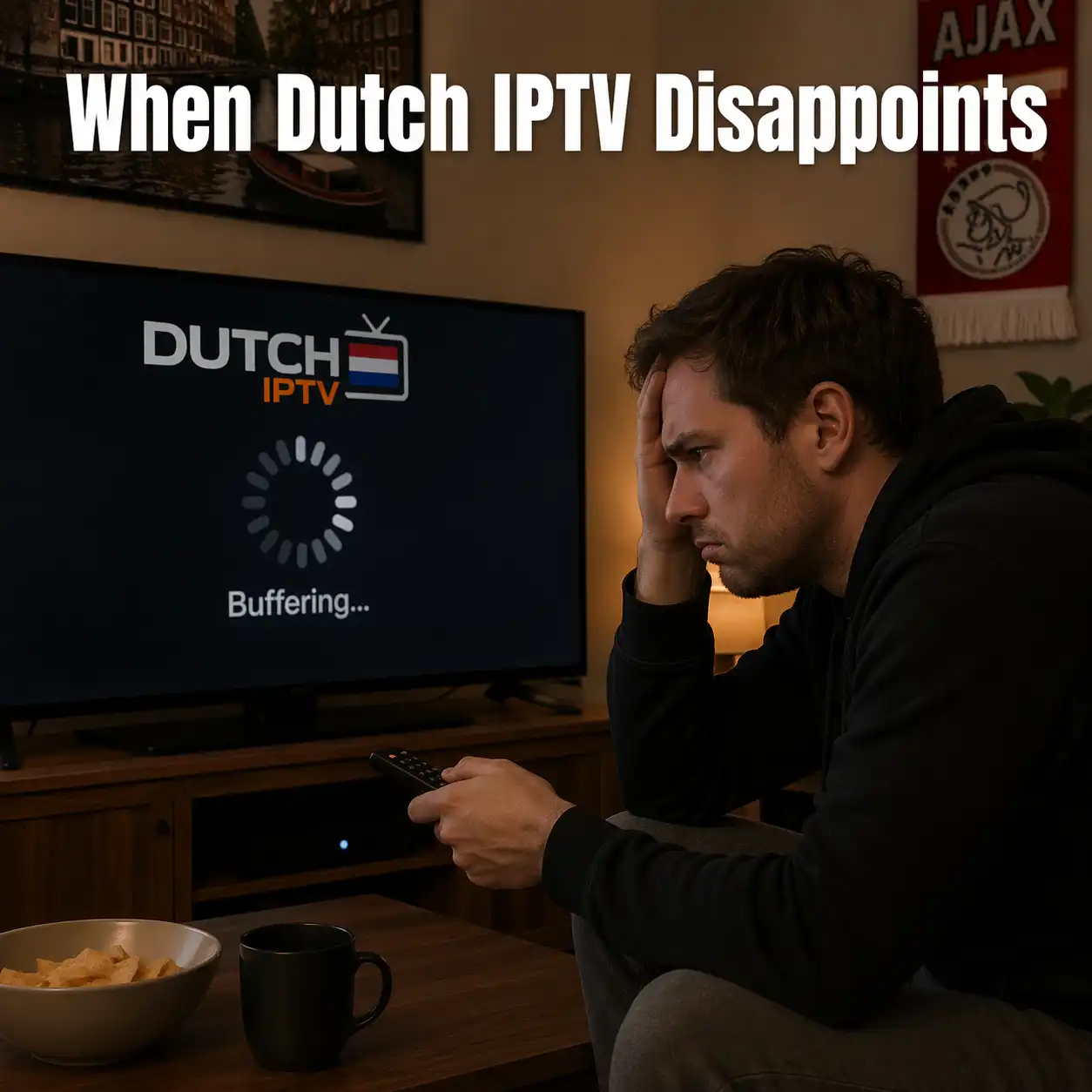
The setup guides assume everything works. This guide assumes it does not — and helps you figure out what to do when it does not.
Switching to IPTV saves Dutch households significant money. It also introduces a service dependency that cable television did not have in the same way: you are now relying on a internet-delivered service that can fail in more specific and varied ways than a cable signal could.
The good news is that most IPTV failures are diagnosable, temporary, and resolvable. The less good news is that some failures indicate a provider quality problem that will not improve on its own. Knowing the difference is what this guide is about.
Failure Type 1: The Service That Works Sometimes and Fails Others
This is the most common complaint from Dutch IPTV users, and it almost always has a specific pattern: failure specifically during popular evening hours (19:30 to 22:00) and during major events (Eredivisie Saturday afternoons, Champions League evenings, NOS Journaal at 20:00), but reliable performance during less popular times.
This pattern — working at 14:00, failing at 20:00 — is the signature of a provider whose CDN infrastructure is undersized for Dutch peak demand. A service like IP TV Totaal with properly provisioned CDN infrastructure near the Amsterdam Internet Exchange (AMS-IX) handles the NOS Journaal peak without quality degradation because the CDN capacity is scaled for the simultaneous Dutch viewership that occurs at 20:00 every weekday.
If you are experiencing this pattern, the first step is to verify that the problem is the provider’s CDN and not your own connection. Test both via ethernet and via WiFi. Test on two different devices. Test a different stream (if ESPN 1 buffers at 20:00, does NPO 1 also buffer?). If all streams fail simultaneously during the same time windows, and work consistently at off-peak times, on ethernet and on WiFi, the problem is almost certainly the provider’s CDN rather than anything in your setup.
What you can do: contact the provider via WhatsApp with specific evidence — dates, times, channels, duration of degradation. A provider who acknowledges a CDN capacity problem and provides a timeline for resolution is a provider worth staying with. A provider who sends you the WiFi troubleshooting checklist when you are connected via ethernet has a support process that is not equipped to address the actual problem. This distinction, made clear within two WhatsApp exchanges, tells you whether you should stay or switch.
Failure Type 2: EPG Errors That Do Not Self-Correct
EPG errors come in two categories: one-time corruptions that clear when you refresh the EPG data, and systematic errors that persist across refreshes. Systematic EPG errors — Dutch programme times consistently offset by one hour, specific channels always showing wrong titles, channels appearing in the EPG but not streaming — indicate a data maintenance problem on the provider’s side.
A one-hour systematic offset on Dutch channels is a CET/UTC timezone configuration error. In your IPTV app’s EPG settings, set the timezone to Europe/Amsterdam. If this fixes the offset, the problem was your app’s timezone setting, not the provider. If the offset persists after correcting the app timezone, the provider’s XMLTV data source has the wrong timezone configuration — a provider-side problem.
For persistent EPG errors on specific channels, contact the provider and ask specifically: ‘Which XMLTV EPG source do you use for Dutch NPO and ESPN channels, and how frequently is it updated?’ A provider who can answer this question specifically has staff who maintain Dutch EPG data actively. One who cannot answer it is not maintaining it actively.
Failure Type 3: Catch-Up That Does Not Work as Advertised
Catch-up failures are the most nuanced category because the problem is often real but differently located than users expect. When catch-up does not work for a specific channel, the cause is usually one of three things: the provider has not implemented catch-up for that channel, the provider has implemented it but the channel does not have catch-up rights in their agreement, or there is a technical problem with the provider’s server-side recording.
The practical test: in your IPTV app, navigate to yesterday’s schedule for NPO 1. Is there a clock icon next to past programmes? If yes, catch-up is implemented for that channel — click a past programme and confirm it plays. If no clock icon, catch-up is not implemented for that channel regardless of what the provider’s marketing claims. Contact the provider and ask specifically which channels have catch-up implemented and for how many days back.
If catch-up is advertised but the clock icon is absent for NPO channels (which have permissive catch-up rights that most quality providers implement), the provider has not implemented a feature they are marketing. This is grounds for a formal complaint and potentially for exercising your Dutch consumer rights.
When to Escalate: Your Dutch Consumer Rights
Dutch consumer law provides meaningful protections for digital subscription services that most subscribers are unaware of and most providers would prefer you remain unaware of.
The 14-day herroepingsrecht: within 14 days of subscribing, you have a statutory right to cancel and receive a full refund. For digital services where access begins immediately, the provider must specifically ask you to waive this right in exchange for immediate access. If they did not ask for this waiver and simply activated your subscription, the full 14-day refund right applies regardless of whether you have used the service.
The one-month maximum notice period: Dutch consumer law limits cancellation notice periods for ongoing subscriptions to one calendar month. A provider whose terms state a three-month notice period is imposing contractually unenforceable terms. You can legally give one month’s notice regardless of what their terms say.
The service delivery obligation: a digital service provider is obligated to deliver the service as described. If your subscription promises catch-up TV for NPO channels and this feature is absent, or promises stream quality that is never actually delivered, you have grounds to request a partial refund or service repair. Document the failure with screenshots, dates, and times before initiating this conversation.
Escalation path: first, written WhatsApp or email complaint to the provider with specific evidence. If no response within two weeks or the response is unsatisfactory, file a complaint with the ACM ConsuWijzer at consuwijzer.nl. For financial disputes (unjustified charges, refused refunds), your Dutch bank can initiate a dispute process for direct debit or iDEAL payments. The combination of statutory consumer rights and documented evidence creates strong grounds for resolution.
When to Switch Providers
There is a specific moment when staying with an underperforming provider stops being patience and starts being a mistake. That moment is when the pattern is clear, you have documented it, you have contacted support with specific evidence, and the response has been either denial or a generic troubleshooting script.
A provider who says ‘our CDN had capacity issues on these specific evenings, we have added capacity, please test again this weekend’ is a provider who acknowledges the problem and is addressing it. A provider who says ‘please restart your router and check your WiFi signal’ when you have been connected via ethernet and documented the problem with screenshots is a provider whose support process is not capable of resolving the actual issue.
Switching Dutch IPTV providers is lower friction than most other subscription switches. Your device stays the same. Your IPTV app stays the same. You cancel the underperforming provider (one month’s notice or within the herroepingsrecht window), subscribe to a new provider, enter the new credentials into your existing app. Total switching time: approximately 30 minutes. The credentials change; nothing else does.
When you decide to IPTV abonnement Kopen from a new provider after a disappointing experience, run the 24-hour trial during Dutch peak hours specifically. The provider that performs well at 20:00 on a weekday and during a live Eredivisie match has demonstrated the CDN quality that your previous provider lacked. The trial is the test that matters — not the marketing page.
Frequently Asked Questions
How do I know if my IPTV problem is my connection or my provider?
Test via ethernet rather than WiFi. Test on two different devices using the same subscription. Test multiple channels simultaneously — if one channel buffers while others play cleanly, it is a channel-specific stream problem (provider side). If all channels fail simultaneously while your internet browser works normally, it may be an authentication or app problem. If all internet services are affected, it is your ISP’s problem.
My provider says the problem is my internet connection but I checked and it is fine. What now?
Document the problem with specific evidence: date, time, channel name, what you observed (buffering, quality drop, stream failed to start), how long it lasted. Send this to the provider in writing via WhatsApp or email. If their response continues to attribute the problem to your connection despite the evidence, file a complaint with ACM ConsuWijzer at consuwijzer.nl. Your documented evidence is the foundation of any formal complaint.
Can I get a refund if the service does not work as advertised?
Yes, through several mechanisms. Within 14 days of subscribing, the herroepingsrecht applies for a full refund (check whether you waived this at sign-up). After 14 days, Dutch contract law provides remedies for non-performance of a service contract. Document the specific failures, contact the provider formally in writing, and if unresolved, escalate to ACM ConsuWijzer.
Legal provisions cited are based on Dutch consumer protection law as of 2026. Individual situations vary. Consult a consumer law specialist for specific disputes.