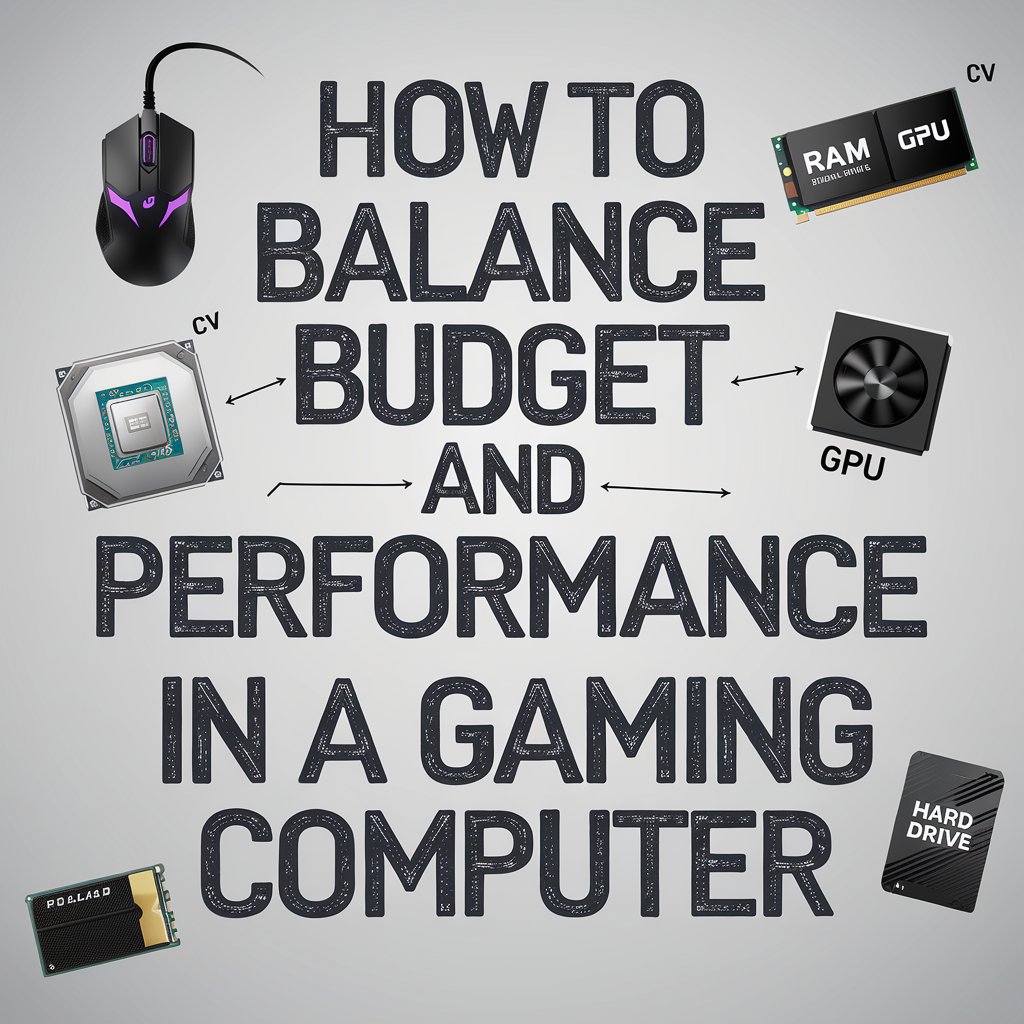
Building or buying a gaming computer can be an exciting but daunting, especially when finding the right balance between budget and performance. With the growing complexity of modern games, the demand for powerful hardware has skyrocketed.
However, you don’t need to break the bank to enjoy a great gaming experience. By understanding the critical components of a gaming PC and prioritising the ones that matter most for your gaming needs, you can achieve high performance without overspending.
In this guide, we’ll walk you through balancing budget and performance when you buy a gaming computer, ensuring you get the most value out of every dollar spent.
Understanding Your Gaming Needs
Before diving into component selection, it’s essential to understand your specific gaming requirements. Are you looking to play the latest AAA games at ultra settings, or are you more interested in casual games that don’t require cutting-edge hardware?
Key Questions to Consider:
- What games do you intend to play, and at what settings?
- What resolution and frame rates are acceptable for your gaming experience?
- Will you use the computer for other tasks like streaming, video editing, or content creation?
Answering these questions will help you decide where to allocate more of your budget and where you can afford to cut back.
Prioritise Components Based on Gaming Performance
Not all components are equally important when building a gaming computer. Some hardware pieces, such as the GPU (graphics processing unit), will have a much more significant impact on gaming performance than others, like the CPU or storage. Understanding which components to invest in and where to save can make all the difference.
GPU (Graphics Processing Unit) – The Heart of Your Gaming Rig
The GPU is the most critical component for gaming performance. Investing in a good GPU is essential if you want to play modern games at high settings and smooth frame rates. However, you don’t need the most expensive model on the market. Look for GPUs that offer solid performance for the price.
CPU (Central Processing Unit) – Important, but Not Everything
While the CPU is essential for overall system performance, it plays a secondary role compared to the GPU in gaming. Games are generally more GPU-intensive, so while it’s tempting to go for a high-end processor, a mid-range CPU such as AMD’s Ryzen 5 or Intel’s Core i5 series will be more than enough for most gaming builds.
RAM (Random Access Memory) – Find the Sweet Spot
In modern gaming, 16GB of RAM is considered the sweet spot for most users. While 8GB of RAM might suffice for casual gaming or older titles, newer games often require more memory. On the other hand, 32GB of RAM is overkill for most gamers unless you plan to multitask heavily, such as streaming and gaming simultaneously.
Storage – SSD vs. HDD
Storage affects how quickly games load, not how well they run. A solid-state drive (SSD) will vastly improve loading times and system responsiveness, making it a worthwhile investment. For a budget build, consider a 500GB to 1TB NVMe SSD for your operating system and games, and supplement it with a traditional hard drive (HDD) if you need extra storage for files, media, or less demanding games.
The Role of Peripheral Components
While core components like the GPU and CPU directly impact gaming performance, don’t forget the peripherals. These can often get overlooked in budgeting, but they are essential for a complete gaming experience.
Monitor – Match Resolution with Performance
Your monitor plays a significant role in how games look and feel. If you’re aiming for a 1080p gaming experience, you don’t need a high-end GPU. However, if you want to play at 1440p or 4K resolutions, you’ll need more powerful hardware.
Keyboard and Mouse – Consider Comfort and Durability
Gaming keyboards and mice come in a wide range of prices, but there’s no need to splurge on the most expensive models. Look for devices that offer durability, comfort, and a few extra features, such as customisable keys or RGB lighting, without going overboard.
Cooling – Don’t Overlook It
Cooling is essential for maintaining performance and longevity, especially if you plan to overclock your CPU or GPU. While most budget gaming PCs will do just fine with stock cooling solutions, investing in an additional fan or a basic aftermarket cooler can help ensure that your system runs at optimal temperatures, especially during long gaming sessions.
Consider Future-Proofing
One of the most common concerns when balancing budget and performance is future-proofing your gaming computer. While it’s impossible to predict every future technological advance, investing in components like a strong GPU and a good PSU (power supply unit) can help ensure your system remains relevant for years to come.
For those on a tight budget, consider buying slightly older hardware. The previous generation of CPUs and GPUs often provides excellent value at reduced prices, offering good performance without the premium price tag of the latest models.
Conclusion
Balancing budget and performance in a gaming computer is all about making smart choices and prioritising the components that will have the most significant impact on your gaming experience. By focusing on what games you want to play and in what settings, you can create a build that delivers excellent performance without overspending. Remember, the most expensive option isn’t always the best one, and with careful planning, you can enjoy a high-quality gaming experience that fits within your budget.
Technology Perspective
Technology continues to transform industries through artificial intelligence, cloud computing, automation, cybersecurity, digital platforms, and data-driven decision making. As organizations increasingly adopt digital solutions, understanding emerging technologies becomes essential for businesses, professionals, and consumers. DGM News regularly covers these developments through expert analysis, technology news, and educational resources.
Innovation Outlook
Rapid advances in artificial intelligence, automation, machine learning, cloud infrastructure, and digital transformation continue reshaping global industries. Monitoring these developments helps organizations adapt to changing technologies, improve efficiency, and prepare for future innovation.
Did you know?
Artificial Intelligence is expected to influence nearly every major industry over the coming decade, from healthcare and finance to transportation, manufacturing, education, and entertainment.
AI, Machine Learning, Deep Learning and Generative AI Explained
Google AI Updates
About DGM News
DGM News is an independent digital publication delivering the latest Technology News, AI News, and FinTech News. We provide expert insights on startups, innovation, cybersecurity, software, business, gadgets, cloud computing, artificial intelligence, and emerging technologies. Our mission is to publish informative, accurate, and regularly updated content that helps readers stay informed in today's rapidly evolving digital landscape.
Since our editorial focus includes technology, artificial intelligence, and financial technology, we continuously expand our coverage as new innovations emerge.
Editorial Standards
Every article published on DGM News undergoes editorial review before publication. We prioritize factual accuracy, clarity, transparency, and reader value while following responsible digital publishing practices.
Research Methodology
Our editorial team researches publicly available information from official announcements, technical documentation, research publications, developer resources, reputable industry reports, and trusted public sources whenever applicable. Information is reviewed to improve clarity and accuracy before publication.
Fact-Checking Policy
We make reasonable efforts to verify factual information before publishing. Articles are reviewed for accuracy, consistency, and relevance. If significant developments occur after publication, content may be revised to reflect updated information.
Update Policy
Technology evolves rapidly. Articles may be reviewed and updated periodically to reflect software releases, AI developments, security advisories, regulatory updates, product launches, and other important industry changes.
Source Verification
Whenever possible, DGM News reviews information using official company announcements, technical documentation, research publications, government resources, publicly available reports, and reputable industry references before updating articles.
Editorial Independence
DGM News maintains editorial independence in all publishing decisions. Editorial content is produced independently and is intended to provide balanced, informative, and reader-focused coverage without influence from advertisers or commercial partnerships.
AI Usage Disclosure
Artificial intelligence tools may assist with research organization, grammar improvement, formatting, or editorial workflows. Every article is reviewed by human editors before publication to help maintain quality, clarity, and factual accuracy.
Corrections Policy
Accuracy is important to us. If readers identify outdated information or factual inaccuracies, they are encouraged to contact our editorial team. Verified corrections are reviewed and incorporated whenever appropriate.
Reader Feedback
Reader feedback helps improve our journalism. We welcome suggestions, corrections, and constructive feedback through our Contact page to continuously improve the quality of our reporting.
Last Editorial Review
This article follows the DGM News editorial review process and may be updated periodically as new information becomes available.
Why Trust DGM News?
DGM News is committed to publishing technology journalism that emphasizes accuracy, transparency, editorial independence, and regularly updated information. Our editorial process is designed to provide readers with reliable coverage of technology, AI, fintech, startups, and digital innovation.
DGM News Resources
Topics We Cover
Artificial Intelligence • AI Tools • Machine Learning • FinTech • Cybersecurity • Cloud Computing • Programming • Software Development • Gadgets • Mobile Technology • Business Technology • Startups • Digital Marketing • Blockchain • Cryptocurrency • Science • Innovation • Consumer Technology • Enterprise Technology • Automation