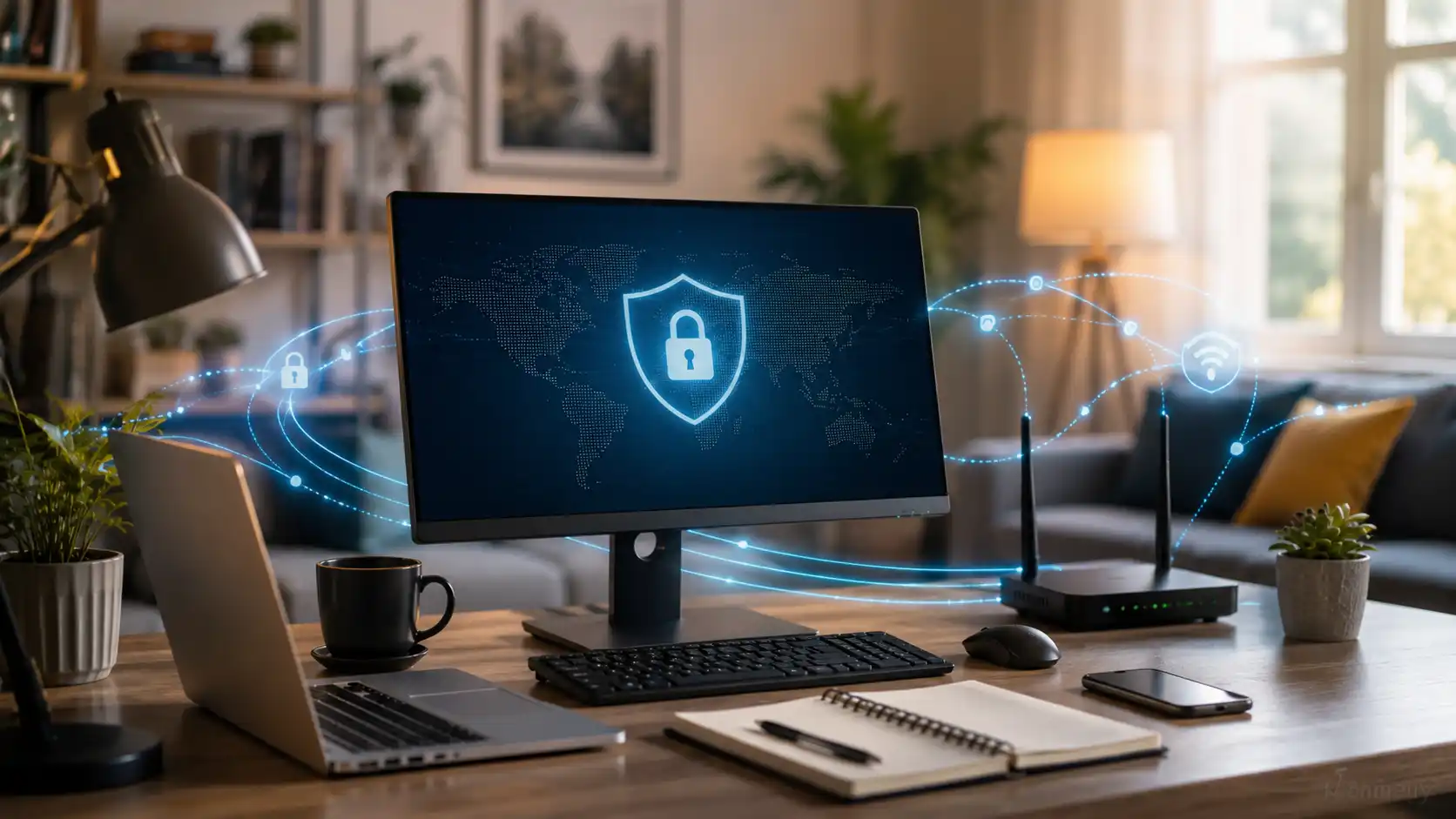
For a growing share of the workforce, the daily commute now ends at a desk in a spare room, a kitchen table, or a corner of the living room. Hybrid and fully remote arrangements have settled in as a permanent feature of working life rather than a temporary experiment. But while the location changed, the assumptions around security often did not. The desktop or laptop sitting on a home network is now doing the same sensitive work it once did behind a company firewall — just without most of the protection that firewall used to provide.
That gap is where a lot of modern risk lives, and it is wider than many people realize.
The Office Perimeter Followed Nobody Home
Inside a corporate office, a great deal happens quietly in the background: managed firewalls, monitored networks, patched machines, and IT staff who notice when something looks wrong. Most home setups have none of that. Surveys of security leaders repeatedly find that a large majority lack clear visibility into the home networks their employees rely on, and that many remote workers say they have received no real help securing their home internet connection at all.
The consequences show up in the breach data. Industry research, including IBM’s long-running work on the cost of a data breach, has found that incidents where remote work was a factor tend to cost organizations meaningfully more than those where it was not. Attackers have noticed the shift too: a sizeable portion of cyberattacks now specifically target home routers, remote-access tools, and the personal devices people use for work. When roughly seven in ten remote employees admit to using personal devices for at least some work tasks, the attack surface stops being theoretical.
Why the Desktop Specifically Matters
Phones get a lot of security attention, but the desktop or laptop is usually where the heavier work happens — financial files, client documents, source code, internal systems, long logged-in sessions. It is also the device most likely to sit on the same home Wi-Fi as smart TVs, game consoles, and other family devices that nobody is patching.
A few specific weak points come up again and again: phishing emails that lead to credential theft, unpatched personal machines, and traffic moving across networks the user does not fully control. None of these are exotic. They are the ordinary texture of working from home, which is exactly why they are so easy to overlook.
What Actually Reduces the Risk
The good news is that meaningful protection does not require an enterprise IT department. A handful of layered habits cover most of the realistic threats.
Keep the operating system and applications patched, because unpatched machines are a documented entry point. Use multi-factor authentication wherever it is offered, since stolen credentials are behind a large share of remote breaches. And pay attention to how data travels, not just where it is stored.
That last point is where connection-level tools come in. When work traffic leaves a home network — especially a shared or poorly configured one — encryption keeps it from being readable to anyone observing the same connection. Tools in this category bundle several protections together; reviewing X-VPN’s security features gives a sense of what that looks like in practice, from traffic encryption and a kill switch that stops data if the connection drops, to DNS and WebRTC leak checks that catch the quieter ways an IP address can slip out.
Setting It Up on a Work Machine
For people whose primary work device runs Windows, the simplest path is usually to install protection directly rather than relying on browser add-ons that only cover one application. Downloading the X-VPN desktop app from the Microsoft Store is one example of how this is done — once installed, it can encrypt the connection at the system level, covering email clients, cloud apps, and anything else running on the machine, not just a single browser tab.
The principle matters more than the specific product: protection that sits at the connection level catches traffic that per-app tools miss.
Treating Home Like the Workplace It Has Become
The hardest part of remote-work security is psychological, not technical. A home feels safe in a way an office network never pretended to be, and that sense of comfort quietly lowers people’s guard. But the desktop in the spare room is, for security purposes, a corporate endpoint sitting on a consumer network.
Closing the gap does not mean turning a home into a data center. It means applying a few of the same basic disciplines that offices took for granted — patching, strong authentication, encrypted connections, and a healthy suspicion of unexpected messages. For a way of working that is clearly here to stay, those habits are no longer optional extras. They are simply part of doing the job.