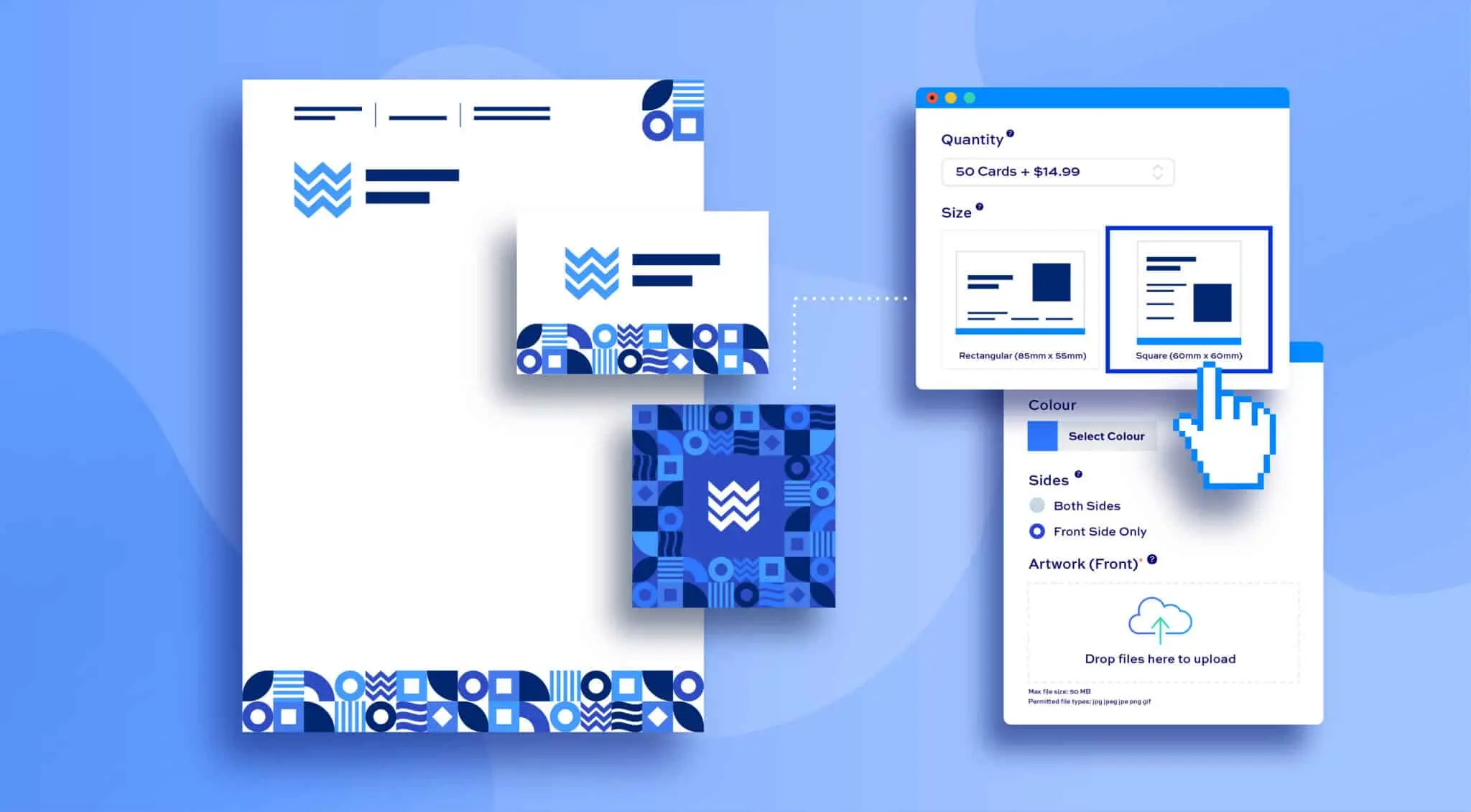
WooCommerce gives print shops more control over their store than most eCommerce platforms. You own your data, you can customise every part of the experience, and you are not locked into a closed ecosystem that limits what you can build. But that flexibility also means you need the right plugins to fill the gaps that WooCommerce does not cover out of the box.
For print shops specifically, the gaps are significant. You need customers to be able to design products online, you need print-ready files to come out the other end, you need pricing to handle variables like size, material, and quantity, and you need the whole process to connect to your production workflow without manual intervention.
These nine WooCommerce plugins for print shops are active, well-supported, and built to handle the real demands of running a print business on WordPress in 2026.
1. DesignO by DesignNBuy
Plugin URL: https://www.designnbuy.com/web-to-print-woocommerce-product-designer/
DesignO is the most complete WooCommerce web to print plugin. It is an API-driven product designer and print workflow tool that gives your customers a professional self-serve design experience while giving your production team print-ready files without any manual file preparation.
Customers can design apparel, packaging, signage, stationery, business cards, large format products, and more directly on your WooCommerce store. The drag-and-drop design editor is mobile-responsive and includes a library of templates, fonts, clipart, and vector artwork so customers can start designing quickly. AI-powered tools assist with image enhancement, background removal, and text suggestions. Once an order is placed, DesignO generates print-ready vector output files automatically, complete with CMYK colour profiles, cut marks, and bleed.
On the operations side, the plugin includes a job calendar, print workflow management tools, a quote generation system, and an order dashboard that keeps all custom print orders visible in one place. A 3D preview feature allows customers to inspect their design before checkout, which reduces errors and revision requests. DesignO also supports dynamic pricing based on product type, size, material, and quantity, and includes multi-currency and localisation capabilities for international print businesses.
Key features:
- Drag-and-drop product design editor with mobile-responsive interface
- AI tools for image enhancement, background removal, and design assistance
- Ready-made templates for apparel, packaging, signage, and stationery
- Automatic print-ready vector file output with CMYK, cut marks, and bleed
- 3D product preview before checkout
- Dynamic pricing based on size, material, and quantity
- Job calendar, quote generation, and print workflow management
- Multi-currency and localisation support
- Integrates with WooCommerce, Shopify, Magento, and BigCommerce
2. Printcart Web to Print Product Designer
Plugin URL: https://wordpress.org/plugins/printcart-integration/
Printcart is a web-to-print and product personalisation plugin for WooCommerce that allows customers to design and customise products directly on your WordPress store. It covers a wide range of product types including apparel, mugs, business cards, posters, stickers, signage, and packaging.
Every order generates a high-resolution print-ready file automatically in PDF, SVG, PNG, or JPG with CMYK output. The drag-and-drop design editor requires no coding to set up and gives customers access to over 1.5 million free clipart options and 600+ Google Fonts. The plugin supports QR code generation, advanced typography including curved text, and customer design sharing on social media. It is compatible with multi-vendor setups through Dokan, WC Vendors, and WCFM. A free version is available on WordPress.org, with premium plans from $69 for a one-time licence.
Key features:
- Drag-and-drop design editor with 1.5M+ clipart and 600+ Google Fonts
- Print-ready file output in PDF, SVG, PNG, and JPG with CMYK support
- QR code generator and advanced curved text typography
- Customer design sharing and social integration
- Multi-vendor compatible with Dokan, WC Vendors, and WCFM
- Dynamic pricing matrix based on product type, colour, and size
- Free version available, premium plans from $69 one-time licence
3. WooCommerce Product Designer by Lumise
Plugin URL: https://codecanyon.net/item/lumise-product-designer-woo-wordpress/22741777
Lumise is a feature-rich WooCommerce product customiser plugin that offers a smooth design experience for customers ordering custom products. It supports t-shirts, mugs, phone cases, business cards, and a range of other customisable print products, and gives customers access to clipart, stock images, and social media image imports as part of the design process.
The plugin integrates seamlessly with WooCommerce and is known for being relatively easy to set up without developer involvement. Customers can design from scratch or use pre-designed templates, and the interface is clean enough for non-designers to use comfortably. Lumise has some limitations on order volume and the number of templates available depending on the licence tier, which can be a consideration for higher-volume print shops. It is available for a one-time licence fee of $69.
Key features:
- Product customiser for apparel, mugs, phone cases, business cards, and more
- Access to clipart, stock images, and social media image imports
- Template-based and from-scratch design options
- Seamless WooCommerce integration with no coding required
- Clean customer-facing interface suitable for non-designers
- One-time licence fee of $69
4. NBDesigner by CMSmart
Plugin URL: https://cmsmart.net/wordpress-plugins/woocommerce-online-product-designer-plugin
NBDesigner is a WooCommerce product designer plugin built for printing shop owners who want to give customers a flexible online design experience. It is recommended by CMSmart for print businesses looking to increase online order volume through self-serve product customisation.
The plugin supports multi-layer PDF output and allows admin to save designs in SVG format as well as convert PNG files to JPG in both RGB and CMYK colour profiles. There is no product limit, which means the plugin can handle large catalogues with many different customisable items. Admin users can manage design files, set product templates, and control what customers can and cannot edit on each product. For print shop owners who need flexible product configuration with solid file output, NBDesigner is a practical option.
Key features:
- Multi-layer PDF output and SVG file format support
- PNG to JPG conversion in RGB and CMYK colour profiles
- No product limit for large print shop catalogues
- Admin controls for design file management and template setup
- Flexible product configuration for a wide range of print items
- Built for WooCommerce print shop workflows
5. Zakeke Visual Customizer for WooCommerce
Plugin URL: https://wordpress.org/plugins/zakeke-interactive-product-designer/
Zakeke is a visual commerce platform that integrates with WooCommerce to offer customers 2D and 3D product customisation, augmented reality previews, and web-to-print automation. It is a plug-and-play solution that requires no coding to set up and is designed to be intuitive for both merchants and customers.
The plugin automates the generation of print-ready files in multiple formats and resolutions, and supports workflow automation through integrations with Zapier, WebHooks, Order Desk, Printful, and CustomCat. Customers can upload their own images and choose from pre-made design catalogues. The 3D and AR features are Zakeke’s most distinctive selling point, giving online shoppers a more immersive product preview than standard flat mockups. The free version has significant limitations, with full web-to-print capability available on paid plans from $24.92/month.
Key features:
- 2D and 3D product customisation with AR virtual preview
- Web-to-print automation with print-ready file generation
- Integration with Zapier, Order Desk, Printful, and CustomCat
- Customer image upload and pre-made design catalogue
- Plug-and-play WooCommerce compatibility without coding
- Paid plans from $24.92/month billed annually
6. Fancy Product Designer
Plugin URL: https://fancyproductdesigner.com/
Fancy Product Designer is a well-known WooCommerce plugin that has been used by custom product and print businesses for several years. It allows customers to customise products using a visual editor that supports text, images, uploaded artwork, SVG graphics, and pre-configured design elements.
The plugin is flexible and supports a wide range of product types. It connects with WooCommerce to handle pricing, variants, and order management, and outputs files for print production. For print shops that need a reliable, established product customiser without a high ongoing cost, Fancy Product Designer is a practical choice. It is available as a one-time purchase rather than a subscription, which keeps the total cost lower for smaller print operations.
Key features:
- Visual product customiser with text, image, and SVG support
- Customer artwork upload with preview before ordering
- Flexible product type support for a wide range of print items
- WooCommerce integration for pricing, variants, and order management
- One-time purchase pricing, no monthly subscription
- Established plugin with long-term community support
7. WC No Charge Product Designer
Plugin URL: https://wordpress.org/plugins/wc-product-designer/
WC No Charge Product Designer is a free WooCommerce plugin that adds basic product personalisation capability to a WordPress print store. It allows customers to add text, upload images, and make simple design changes to products before adding them to their cart.
It is the most accessible entry point on this list from a cost perspective, with no licence fee required. For small print shops just getting started with online product customisation and looking to test the concept before investing in a more advanced tool, it provides a working foundation. The feature set is limited compared to dedicated web-to-print plugins, and print-ready file output is basic. It works for straightforward use cases but will be outgrown quickly by shops with more complex product lines or higher volume requirements.
Key features:
- Free WooCommerce plugin with no licence cost
- Basic text and image upload customisation for products
- Simple setup with no coding required
- Suitable for introductory product personalisation on WordPress
- Limited output and customisation depth compared to paid alternatives
8. YITH WooCommerce Product Add-Ons
Plugin URL: https://yithemes.com/themes/plugins/yith-woocommerce-product-add-ons/
YITH WooCommerce Product Add-Ons is a product options plugin that allows print shops to add custom fields, text inputs, file upload options, and other configurable elements to WooCommerce product pages. It is not a visual product designer but works well as a configuration layer for print shops where customers need to specify print details, upload artwork, or select options before ordering.
For print businesses that receive customer-supplied artwork rather than having customers design in the browser, YITH Add-Ons handles the collection of that artwork and any associated order information cleanly. It is a well-maintained plugin from a reputable developer and is commonly used alongside more complex print management tools to add configurable product fields to a WooCommerce store.
Key features:
- Custom product fields including text input, file upload, and dropdowns
- Suitable for collecting customer-supplied artwork and print specifications
- Works alongside other WooCommerce plugins and print management tools
- No-code configuration for product options
- Well-maintained with regular updates from YITH
9. Order Desk
Plugin URL: https://www.orderdesk.com/
Order Desk is an order management and workflow automation platform that integrates with WooCommerce and a wide range of print fulfilment services. It is used by print businesses to automate order routing, connect to print providers, manage fulfilment rules, and track orders across multiple channels from one dashboard.
For print shops that route orders to multiple print providers or fulfilment partners, Order Desk removes the manual work of managing that process. It connects with platforms including Printful, Printify, CustomCat, and many others, and allows custom workflow rules to be set up so orders are automatically processed and routed based on product type, destination, or other criteria. It is a workflow and integration layer rather than a product customiser, and works best as part of a broader WooCommerce print stack alongside a product designer plugin.
Key features:
- Order management and workflow automation for WooCommerce
- Integration with Printful, Printify, CustomCat, and 300+ other services
- Custom order routing rules based on product, destination, and other criteria
- Multi-channel order management from one dashboard
- Suitable for print shops routing orders to multiple fulfilment partners
- Pricing from $20/month based on order volume
Building the Right WooCommerce Stack for a Print Shop
The most important thing to understand about WooCommerce for print businesses is that no single plugin covers everything. A well-functioning print shop on WooCommerce typically needs three layers working together.
The first is a product designer that handles the customer-facing design experience and generates print-ready files. DesignO, Printcart, Lumise, and Zakeke all sit in this category. The second is a product options layer for configuring print specifications, collecting artwork, or handling variable pricing. YITH Add-Ons and Fancy Product Designer both contribute here. The third is an order management and fulfilment layer that routes jobs to production and keeps everything visible. Order Desk handles this for multi-provider operations.
For print shops that want one plugin to cover as much of that stack as possible, DesignO is the only option on this list that combines product design, print-ready output, dynamic pricing, and workflow management in a single tool. For shops building a more modular stack, the right combination of plugins depends on your product range, production setup, and how much of the process you want to automate.